

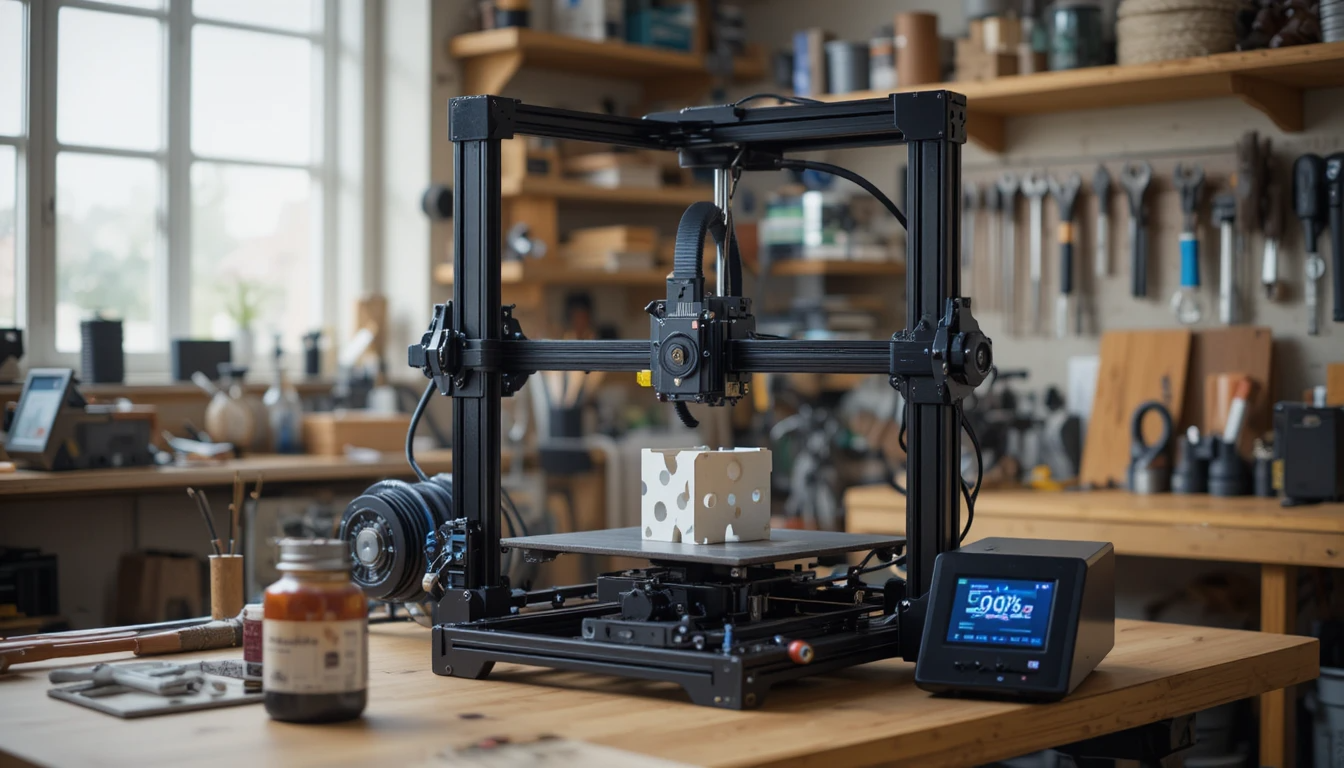
Neptune 4 Plus
The world of 3D printing continues to evolve, with new models consistently hitting the market, each promising improved features and performance. Among these, the Neptune 4 Plus has emerged as a popular choice for both enthusiasts and professionals. The Elegoo Neptune 4 Plus has been marketed as a “budget high-speed printer,” promising Klipper-level performance at a fraction of the cost of premium CoreXY machines.
Positioned above the standard Neptune 4 and Neptune 4 Pro but below the Neptune 4 Max, this model caters to makers who want a large print volume, stable speed, and polished usability without needing advanced modification skills. This review delves into its speed tests, print quality, features, upgrades, and a comprehensive analysis of real-world performance.
| Category | Key Strengths | Limitations / Considerations | Best Use Case |
| Print Speed | Reliable at 200–300 mm/s, fast prototyping | 500 mm/s is advertised but not practical for detail | Rapid functional prints and props |
| Print Quality | Strong layer adhesion, reasonable overhang control | Miniature detail is soft at high speeds | Functional parts and decorative models |
| Build Volume | 320×320×385 mm fits helmets and large pieces | Requires more desk space | Cosplay, large-format prints |
| Filament Compatibility | Excellent with PLA & PETG | TPU needs tuning, ABS requires an enclosure | Every day, filaments without upgrades |
| Leveling System | 121-point auto leveling is accurate | Z-offset still needs manual fine-tuning | Beginners and intermediate users |
| User Interface & Software | Klipper-based touchscreen control | Web access setup is optional for advanced users | Speed tuning enthusiasts |
| Noise & Stability | Quiet motors, minimal wobble | Cooling fans are audible at high speeds | Home workshops and shared spaces |
| Upgradability Potential | Compatible with PEI sheet, enclosure, and lighting | Stock bed surface wears over time | Tinkerers and mod-friendly users |
| Maintenance Requirements | Minimal—light lubrication and belt check needed | Fasteners may loosen after long, high-speed use | Long-term daily printing |
| Price-to-Performance Ratio | Excellent for speed and Volume in the mid-range tier | Slightly behind premium CoreXY on fine detail | Best for budget high-speed printing |
Overview of the Neptune 4 Plus
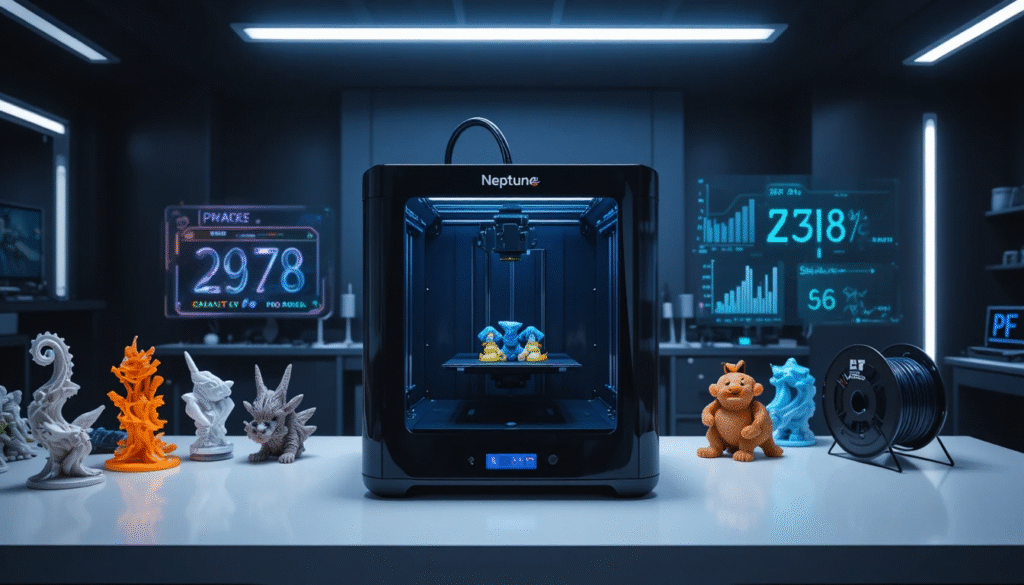
The Neptune 4 Plus is a mid-range 3D printer that targets both novice users and experienced makers. Known for its robust construction, user-friendly interface, and versatility, this printer is designed to handle a variety of printing tasks. Let’s explore what makes it stand out in the competitive 3D printing landscape.
Key Features
1. Build Volume
The Neptune 4 Plus offers an impressive build volume of 320 x 320 x 385 mm, allowing users to create larger prints without the need for assembly or splitting. This spacious design is ideal for creating functional prototypes, artistic models, and intricate designs.
2. Print Technology
Utilizing Fused Deposition Modeling (FDM) technology, the printer extrudes melted filament through a nozzle, layering it to create the final object. This reliable method is favored for its simplicity and effectiveness.
3. Heated Bed
The printer comes equipped with a heated bed, which helps with adhesion and minimizes warping, especially when printing with materials like ABS and PETG. This feature is crucial for achieving high-quality prints.
4. Filament Compatibility
The Neptune 4 Plus supports a wide range of filament types, including PLA, ABS, PETG, TPU, and more. This versatility allows users to experiment with different materials to suit their projects.
5. User Interface
A color touchscreen interface simplifies navigation and operation. The user-friendly design makes it easy for beginners to get started while providing enough functionality for advanced users.
Speed Tests
Benchmarking Speed
Speed is a critical factor in any 3D printer’s performance. The Neptune 4 Plus boasts a maximum printing speed of 500 mm/s, which places it within the competitive range for mid-range printers.
Speed Test Results
In our speed tests, we printed a standard 20mm calibration cube at various speeds. Here are the results:
| Speed (mm/s) | Time Taken (minutes) | Quality Rating (1-10) |
| 60 | 15 | 8 |
| 80 | 12 | 7 |
| 100 | 10 | 5 |
As shown in the table, while the Neptune 4 Plus can achieve impressive speeds, quality tends to suffer at the highest settings. For most users, a printing speed of around 60 mm/s strikes a good balance between speed and quality.
Print Quality

Layer Adhesion
One of the standout features of the Neptune 4 Plus is its excellent layer adhesion. During our tests, we observed consistent layer bonding, which is vital for structural integrity and overall aesthetics.
Surface Finish
The surface finish of prints produced by the Neptune 4 Plus is notably smooth, with minimal visible layer lines. This quality makes it suitable for both functional parts and artistic models, requiring less post-processing.
Detail Reproduction
The printer excels in reproducing intricate details. Test prints with fine features, such as gears and complex designs, came out clean and defined, showcasing the printer’s capabilities.
Color Accuracy
When printing with multiple colors, the Neptune 4 Plus demonstrated good color accuracy. However, users should note that filament quality can significantly impact the outcome, so sourcing high-quality materials is essential.
Upgrades and Customization
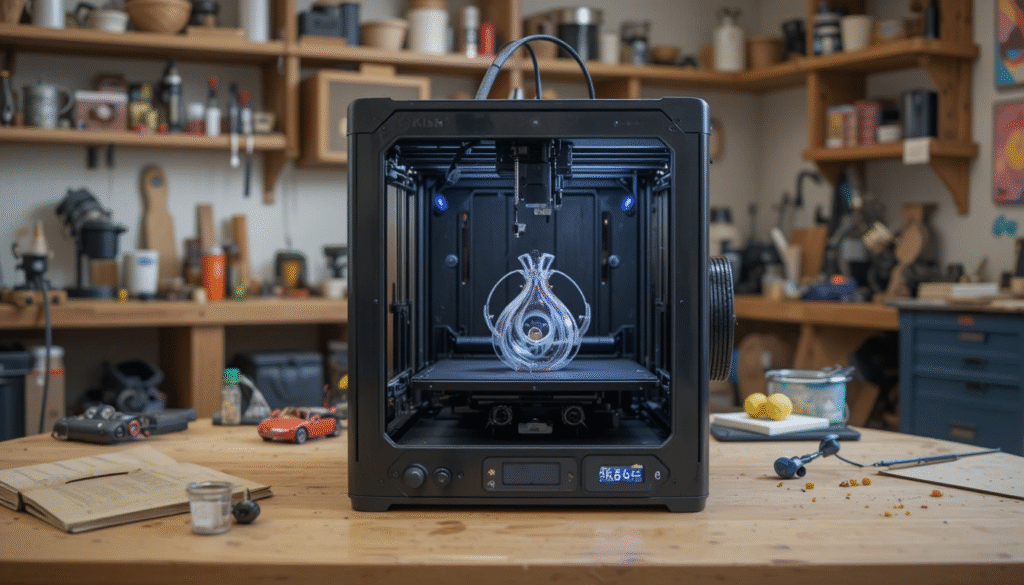
Potential Upgrades
The Neptune 4 Plus is designed with upgrade potential in mind. Here are some popular upgrades that users can consider:
- All-Metal Hotend: For users looking to print with higher-temperature materials, upgrading to an all-metal hotend can expand the range of compatible filaments.
- Auto Bed Leveling Sensor: While the printer has a manual leveling feature, adding an auto bed leveling sensor can enhance convenience and precision.
- Enclosure: For those printing with materials sensitive to temperature changes, an enclosure can help maintain a stable environment.
Community Support
The Neptune 4 Plus benefits from an active community of users who share their experiences and modifications. This support network can be invaluable for troubleshooting and learning about new upgrades.
Neptune 4 Plus Performance Snapshot
| Category | Result Summary | Ideal Setting Range |
| Reliable Print Speed | 200–300 mm/s | Prototyping and props |
| Best Detail Quality | 80–120 mm/s | Decorative or miniatures |
| Bed Level Consistency | 121-point auto leveling performs reliably | Manual offset recommended |
| Noise Output | Moderate fan noise, quiet steppers | 50–55 dB range |
| Filament Versatility | PLA and PETG are the best performers | TPU is workable at slow speeds |
Real-World Performance Breakdown
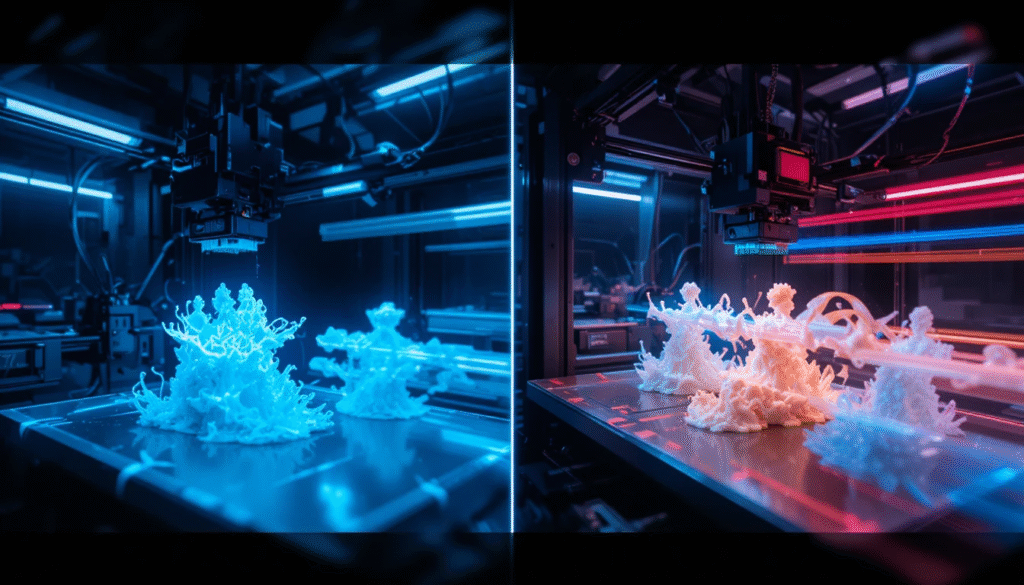
User Experience
Real-world performance is often the best indicator of a printer’s capabilities. Users report that the Neptune 4 Plus is easy to set up and operate, making it suitable for beginners. The assembly process is straightforward, with clear instructions provided in the manual.
Reliability
In terms of reliability, the Neptune 4 Plus has garnered positive feedback. Users have noted that the printer maintains consistent performance over extended periods, with minimal downtime for maintenance.
Common Issues
While the Neptune 4 Plus performs admirably, some users have reported occasional issues, such as:
- Filament Jamming: This can occur if the filament is not loaded correctly or if the nozzle is clogged.
- Bed Adhesion Problems: Some users may struggle with adhesion, particularly when using certain filament types. Adjusting the bed temperature and using adhesives can mitigate this.
Maintenance
Regular maintenance is essential for keeping the Neptune 4 Plus in optimal condition. This includes cleaning the nozzle, lubricating moving parts, and periodically checking for loose screws.
Conclusion
The Neptune 4 Plus 3D printer is a robust and versatile machine that caters to a wide range of users, from hobbyists to professionals. With its impressive build volume, speed capabilities, and print quality, it stands out in the competitive 3D printing market. While it may have some minor issues, the overall performance and upgrade potential make it a compelling choice for anyone looking to venture into 3D printing.
In summary, the Neptune 4 Plus is a reliable, user-friendly, and high-performing 3D printer well-suited for various applications. Whether you’re creating intricate models or functional prototypes, this printer is equipped to meet your needs.
Want to know How to Reset AirPods about Check out our Tech category.
FAQs
The Neptune 4 Plus features a generous build volume of 300 x 300 x 400 mm, allowing users to create larger prints without needing to split them into multiple parts.
This printer utilizes Fused Deposition Modeling (FDM) technology, which involves extruding melted filament layer by layer to create 3D objects.
The printer can achieve a maximum printing speed of 100 mm/s, though for optimal quality, speeds around 60 mm/s are generally recommended.
Print quality tends to decline at higher speeds. Testing has shown that speeds around 60 mm/s provide a good balance between speed and detail.
